With a larger purchase order volume, the use of fixed print reports is thus recommended with orders made by several suppliers. After you have edited all orders, switch to the list view, mark the projects to be given out, and select the desired option in the menu.
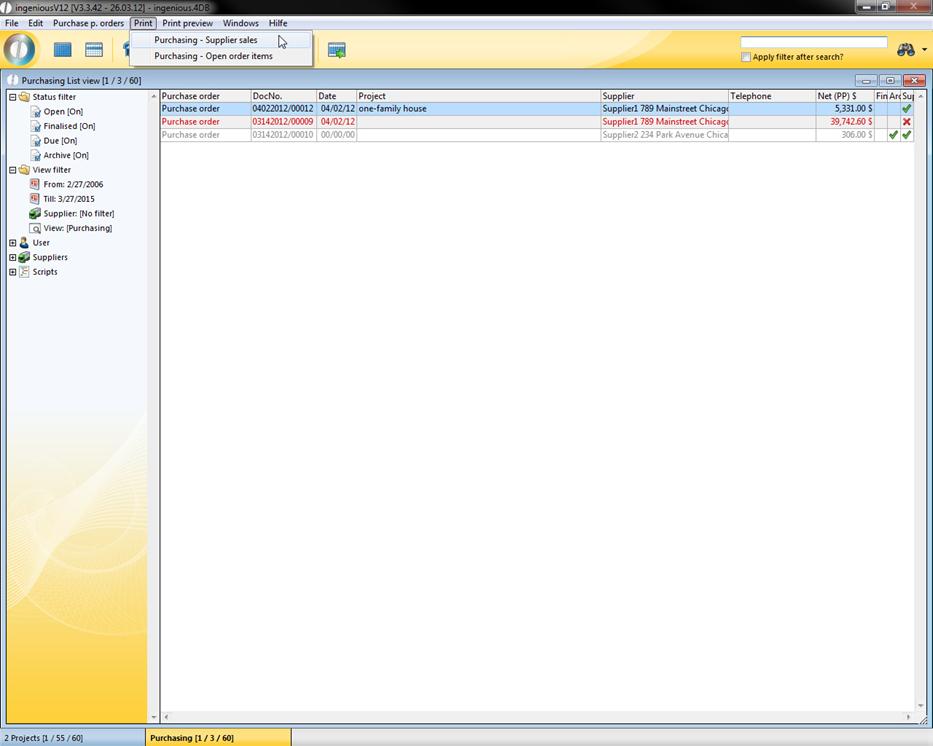
In the dialog that appears, select “All selected”. Here a new window appears, in which you can select the date and the relevant suppliers (Via Drag & Drop).
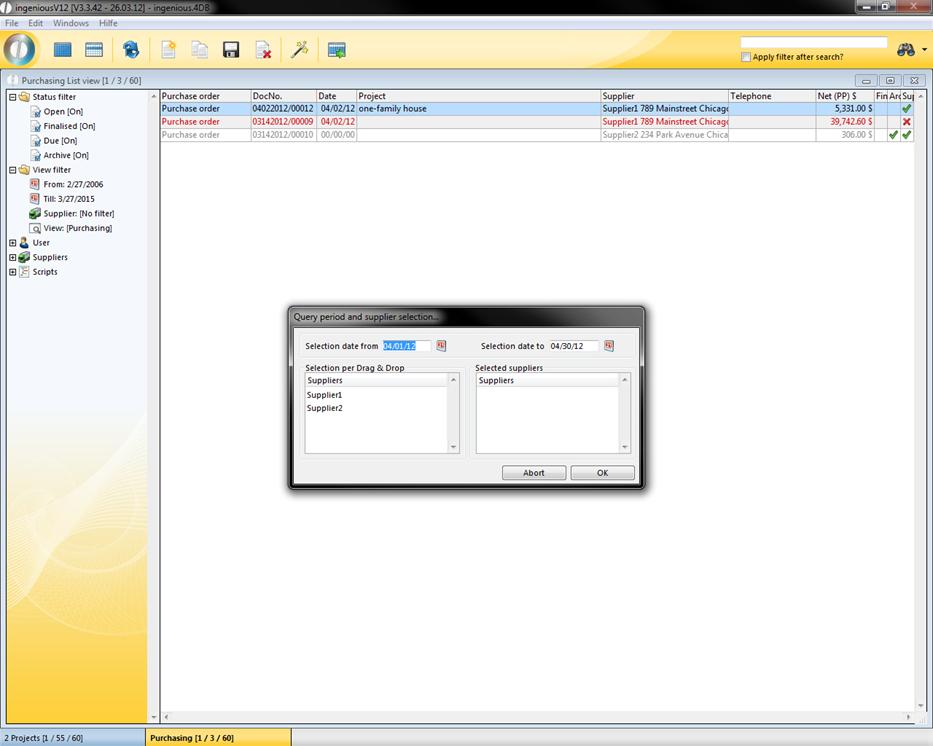
With one print run, you will thus receive all supplier sales and all open order items.